
Customization & automation

Salesforce customization for the way you work.

Some processes need more than a standard screen. We extend Salesforce with applications, workflows and interfaces designed around the way your business operates.

Discuss your project
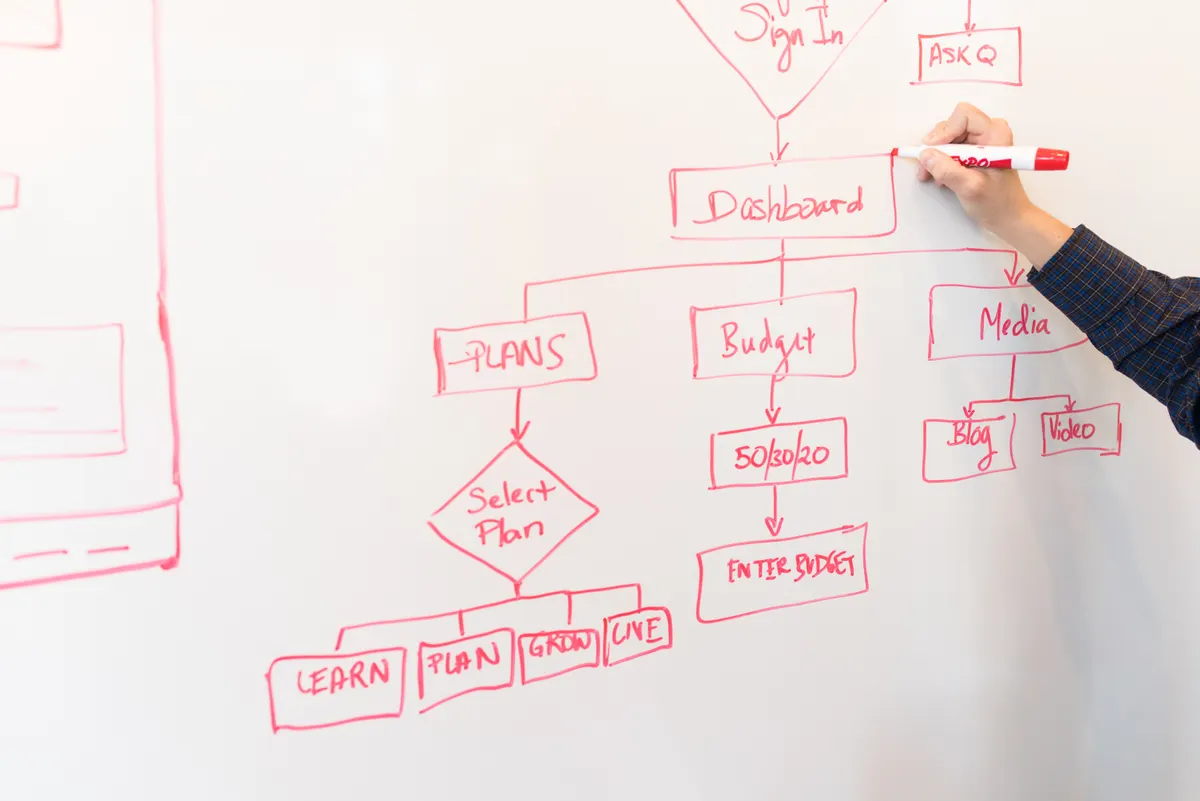
A person drawing a flowchart with decisions and connected steps on a whiteboard.
Browse servicesCurrent page: Customization & automation

What we can deliver

Customization & automation

01

Business data models

Design custom objects, fields, relationships, record types and page layouts for each workflow. Combine validation and duplicate rules with a clear ownership model. Check how changes affect imports, reports, mobile screens and integrations before introducing required fields or new restrictions.

02

Salesforce Flow & approvals

Build screen, record-triggered and scheduled flows for data updates, approvals, notifications and guided tasks. Define approval delegation, rejection and resubmission where needed. Add fault handling and test interactions with existing automation so repeated updates do not start conflicting work.

03

Lightning interfaces & guided work

Adapt Lightning pages and components to each team’s work. Use custom Lightning Web Components when standard screens cannot handle the interaction required.

04

Custom applications

Build Salesforce applications for workflows such as purchasing, requests or asset tracking. Connect forms, approvals, documents and external systems so teams can complete the process from one workspace.

05

Apex & complex business logic

Use Apex for requirements that need custom logic, external services or large-volume processing. Design for Salesforce limits and test with representative data volumes.

06

Permissions, testing & releases

Configure permission sets and record access alongside the features. Validate changes in a sandbox, document dependencies and prepare deployment and recovery steps.

07

Documents, events & integration extensions

Extend workflows with document generation, e-signature connections, callouts and background processing where needed. Use supported APIs and events to coordinate external updates. Review transaction limits, error recovery and version control so these extensions can be changed safely.

How we approach it

How we work

We assess existing capabilities before introducing custom development. The design should account for access, testing, maintenance and future changes.

How we work

Questions worth asking

Can this cover operational processes?

Yes. We can assess purchasing, stock, sales and other business workflows, then agree what belongs in Salesforce and what should remain connected elsewhere.

When do you use Flow rather than code?

We compare complexity, transaction volume, maintainability and existing automation. Flow suits many guided and record-based processes; Apex can handle logic or scale that needs more control. A solution may combine both.

Can you modernise older automation?

Yes. We map existing workflows, Process Builder processes and custom logic, remove unnecessary duplication and test replacement behaviour before retiring the old automation.

Will custom development make future changes harder?

It can if dependencies and ownership are unclear. We prefer standard features where they meet the need, keep custom logic focused, and document the data model, permissions and automation. Automated checks, user acceptance testing and versioned releases help maintain the solution as Salesforce and your processes change.

OOB Consulting

What could work better
in your business?

Tell us what you want to build, connect or improve.

Discuss your project